

X Browser is a modern web browser that puts speed and simplicity first. Built on the Chromium engine, it delivers fast page loads, smooth scrolling, and full compatibility with your favorite websites.
🗂 SMART ORGANIZATION
-------------------------------
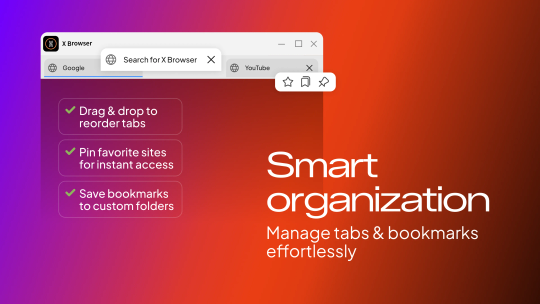
Organize your workflow with smart tab management. Drag and drop to reorder tabs, pin your most visited sites for instant access, or save them to bookmarks with custom colored folders. Choose where your tabs live: at the top, on the left side, or on the right side of the window. Toggle the bookmark bar for quick access to your favorite pages.
📖 SPLIT VIEW
----------------
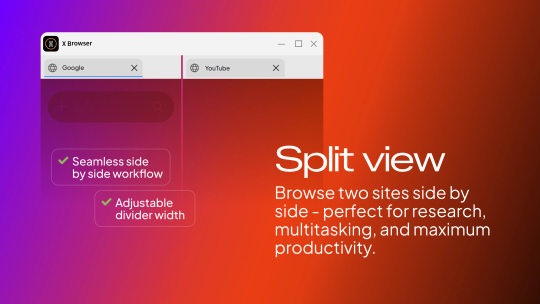
Need to compare two pages at once? Split View lets you browse two websites side by side with an adjustable divider. Perfect for research, studying, or multitasking.
🎨 MAKE IT YOURS
----------------------
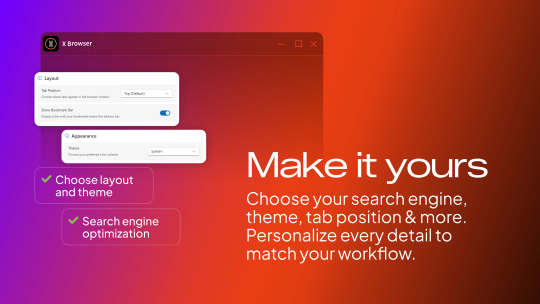
Personalize the look and feel of your browser. Pick from multiple color themes including Ocean, Mint, Lavender, and Rose. Choose your preferred font from 10+ options, set your favorite search engine, and adjust the layout to match your workflow.
🔒 PRIVACY & SECURITY
----------------------------
Browse privately with Incognito Mode. Your browsing history, cookies, and site data are erased when you close the incognito window. Keep your browser secure with the built in PIN lock. Set a 4 digit code and protect your tabs when you step away.
⬇ DOWNLOADS & FILES
----------------------------
Manage all your downloads in one place with the built in download manager. Track progress in real time, open files instantly, or jump to the folder. X Browser also opens HTML, PDF, SVG, WebP, and MHTML files directly.
⌨ KEYBOARD SHORTCUTS
Navigate faster with shortcuts for everything. New tab, close tab, switch tabs, find in page, zoom, split view, bookmarks, and more. All the essentials, right at your fingertips.
⚙ ADDITIONAL FEATURES
✓ System tray integration with minimize to tray
✓ Auto launch on startup
✓ Window pinning (always on top)
✓ Session recovery after restart
✓ Set as default browser with one click
✓ Right click context menus for links, images, and text
✓ Zoom controls (25% to 500%)
✓ Find in page with match counter
X Browser is free, lightweight, and ready to use right out of the box.