


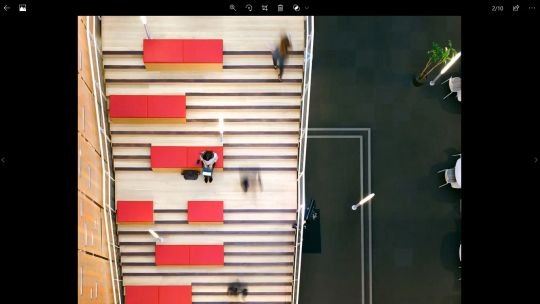
The Camera app is faster and simpler than ever. Just point and shoot to take great pictures automatically on any PC or tablet running Windows 10.
• While recording video, pause and resume whenever you want—the Camera app can automatically stitch them all together into one video, so you can skip the boring parts and capture only what’s important.
• Use the timer to get yourself into the shot.
• Compose the perfect picture with the framing grid.
• Automatically back up your photos to OneDrive so you can get to them from any device, including your phone.
And if your device’s hardware supports it, you can:
• Save time by taking a photo of a whiteboard instead of writing it all down—the Camera app automatically makes the shot more readable. *(1,2)
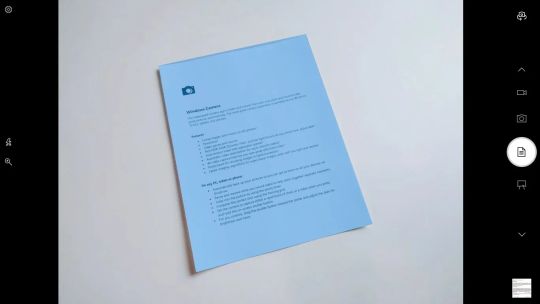
• Stop going to the scanner. Just take a photo of any document—new modes enhance the photo so it’s legible. *(1,2)
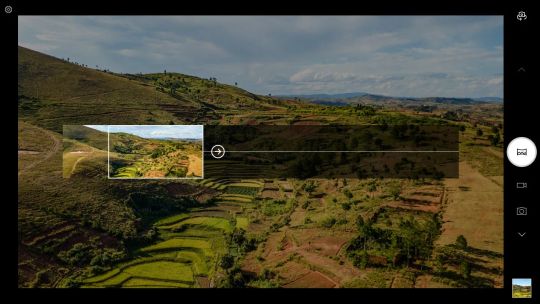
• Capture more of the scene with a panorama. *(1,2)
• 4K video capture that lets you save great stills from video *(3)
• Shoot smoother videos, even if your hands shake, thanks to digital video stabilization. *(4)
• Capture the range of contrast and get greater detail in both bright and dark areas of the shot with HDR (High Dynamic Range). *(4)
*1 Requires world facing camera
*2 Requires camera supporting 1080p or greater resolution
*3 Requires camera supporting 4K resolution
*4 Available on select devices with supporting hardware