
- PlatformsWindows
- Age3+
- CategoryPersonal Finance
- PriceFree
You may also like:
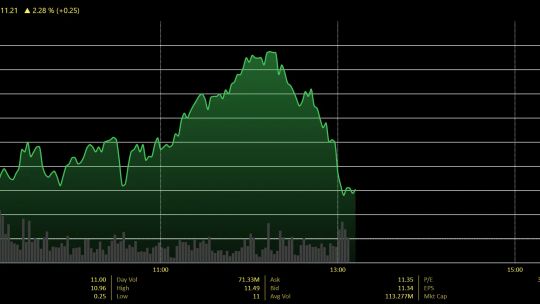
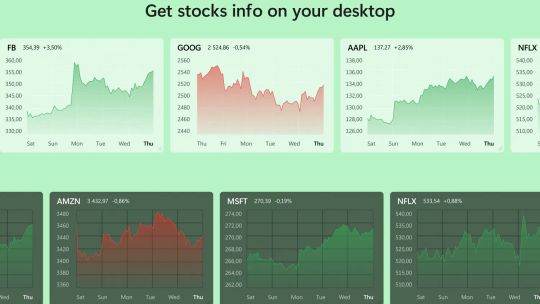
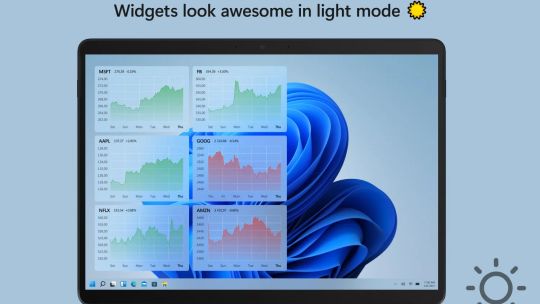
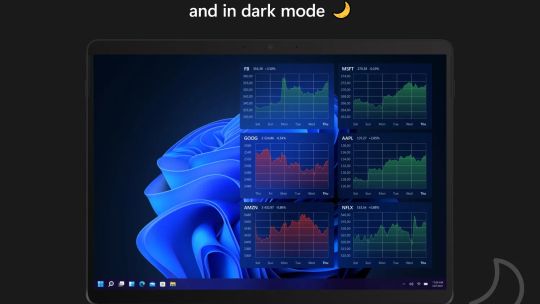
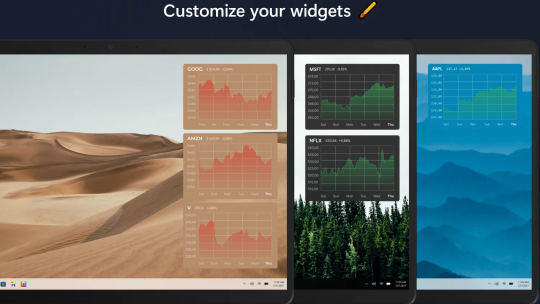
Keep track of your stocks and financial instruments straight from your desktop — all in real time. Fully configurable, supports up to 3 stock widgets for free, plus 1 cryptocurrency, ETF, index, currency, future, benchmark, and more for free.
Simple, efficient, and functional.
FREE features:
• 3 stock charts from Nasdaq, NYSE, Euronext, and many more for free.
• Resize and place your widgets where you want, on any monitor.
• Change the font size, text color and transparency. Legible anywhere.
• Set your desired time-range from your watchlist or by right clicking the widget. Up to 1 month free.
• Add simulated holdings. See your profits and losses in real-time.
• Use built-in alignment tools to arrange the widgets on your desktop.
• Get the info you need and nothing more. Hide the chart body for maximum productivity.
• Highly efficient. Low CPU and RAM usage. Designed to work on all Windows PCs.
• Frequent updates with added functionality.
• Supports Windows 11 Fluent UI aesthetic.
• Modern, feature rich, all-in-one for personal finance.
• Energy efficient for maximizing your battery when you’re on the go.
Swish PRO is an optional in-app purchase as Premium, which provides the following features:
• Unlimited number of widgets / quotes / tickers / instruments.
• Full access to cryptocurrencies, ETFs, futures, commodities, indices & more, in addition to equities.
• Extended time ranges: YTD, 6 months, 1 year, 5 years, all time.
• Mix and match line charts, candlestick, OHLC, and volume bars.
• Advanced market data and pre-/post-market data.
• Price alert for when an instrument goes over or under a defined threshold.
• Lifetime license on an unlimited number of devices.
• Additional personalization features and cosmetic enhancements.