
- PlatformsWindows
- Age3+
- CategoryMultimedia Design
- PriceFree
You may also like:
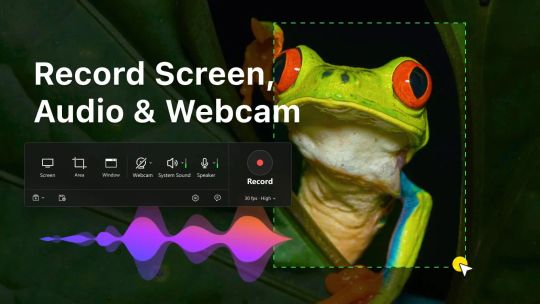
Free Windows screen recorder for your PC! Designed for versatility and high-quality performance, it’s perfect for creating tutorials, recording gameplay, streaming, or capturing video calls alternative to OBS, Streamlabs, Bandicam, Camtasia & Screencast. With a wide range of features, this app lets you record your screen the way you want—without limits.
Key Features:
• HD Screen Recording: Capture full screen, specific windows, or customize your recording area for precise control.
• Audio & Webcam Recording: Record system audio, microphone input, and webcam video in one seamless file.
• Multi Monitor & Cross Monitor Support: Effortlessly record across multiple monitors, capturing everything on your extended desktop.
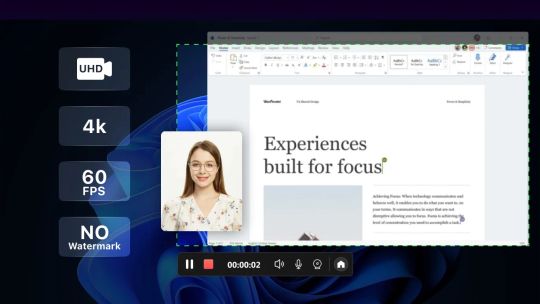
• High-Resolution Recording: Choose between 1080p, 4K, and more, with support for smooth 24, 30, or 60FPS frame rates.
• Pause & Resume Recording: Need a break? Pause and resume your recording without losing any footage.
• Countdown Timer: Get ready before you start recording with an easy countdown timer.
• No Watermark: Enjoy fully customizable, professional recordings with zero watermarks—ideal for any project.
Whether you’re working on a professional project, gaming, or simply sharing something with friends, this app provides all the tools you need to create stunning, high-quality screen recordings effortlessly.