
- PlatformsWindows
- Age3+
- CategoryMultimedia Design
- PriceFree
You may also like:
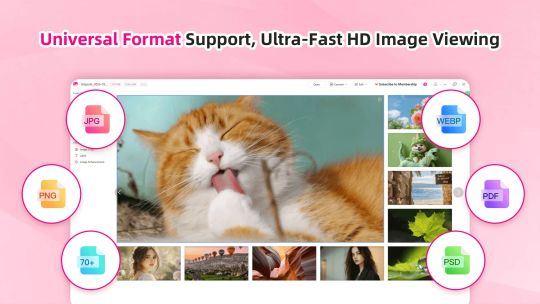
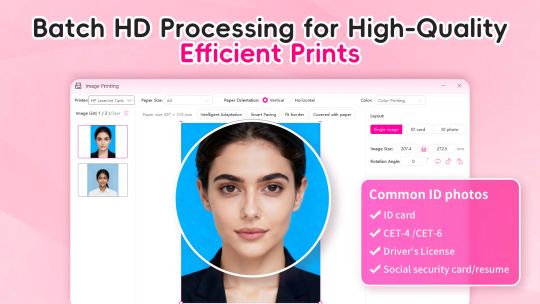
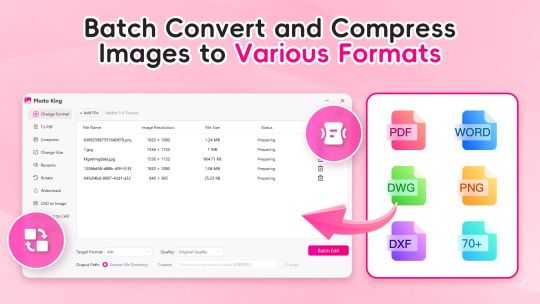
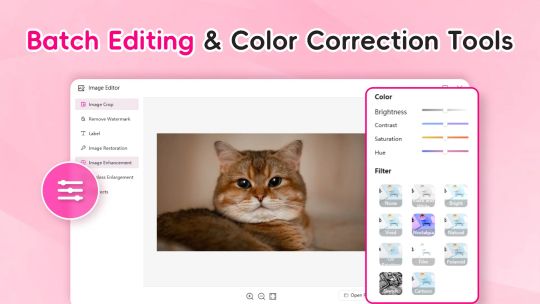
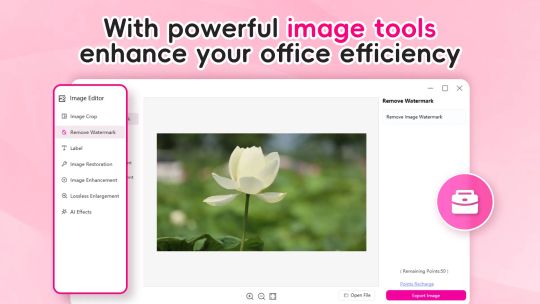
Image Viewer - Photo Editor: Instant opening with full format compatibility, effortless editing and efficient processing
Product Overview
【Image Viewer - Photo Editor】
A powerful local image management tool integrating ultimate viewing, universal format support, and intelligent editing.
Core Advantages
Ultra-Smooth Performance: Instantly open massive images with lossless quality and zero-latency operation.
Universal Compatibility: Supports hundreds of formats including JPG, PNG, PSD, RAW (CRW), WEBP, PDF, and more.
Minimalist Operation: Intuitive interface requires no learning curve.
Key Features
Universal Conversion: Supports conversion between mainstream formats like PNG/JPG/WEBP/CRW.
Quick Editing: Crop, rotate, losslessly enlarge, repair images, and add text watermarks.
Batch Processing: One-click batch compression, format conversion, and resizing to boost productivity.
Lossless Compression: Significantly reduce file size while preserving high quality to save storage space.
⚠ Version & Subscription Notes
This is the free trial version. If you find this product valuable, you can unlock full functionality by purchasing in-app services.
Choose between monthly or yearly subscriptions—fees will be charged to your Microsoft account at renewal.
Alternatively, purchase a lifetime membership for permanent access with a one-time payment.