
- PlatformsWindows
- Age3+
- CategoryKids & Family
- PriceFree
You may also like:
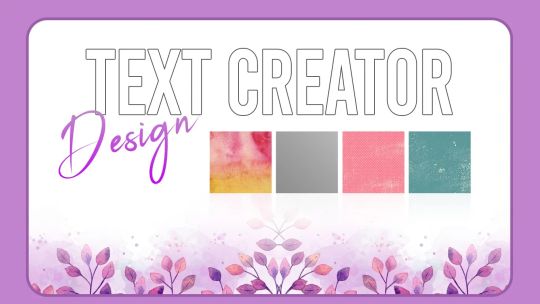
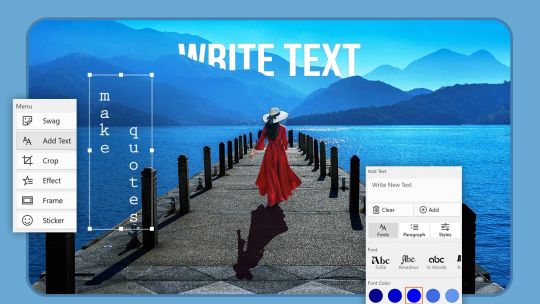
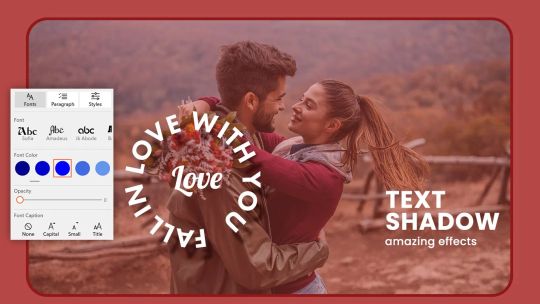
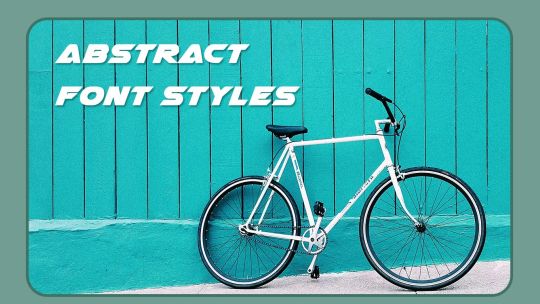
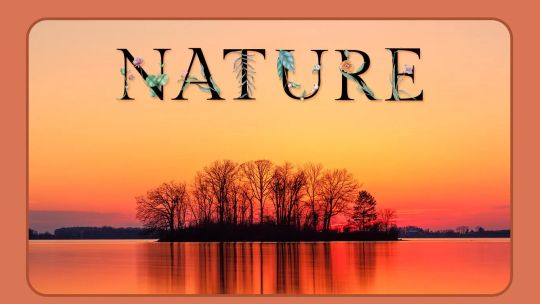
Creative Text Creator is designed for anyone who loves adding a personal touch to their messages, images, or names. Whether you want to create stylish text for social media, make personalized name designs, or add fun messages to photos, this app gives you all the tools to express your creativity.
You can also think of it as a “Stylish Name Creator” application.
With over 100 unique and original stickers, a variety of fancy fonts, and multiple alphabet styles, your text creations will always stand out.
Explore different categories like Birthday, Cartoon, Funny, Abstract, Fire, Flower, Wooden, and more to create eye-catching messages.
Use the app to write names, create congratulatory text, or design wishes for friends, family, and loved ones.
The app allows easy background customization and text placement on images. You can combine stickers, frames, filters, and text effects to make your creations truly unique. Share your designs seamlessly on social media platforms like Facebook, X , and Instagram.
Tutorial Link :- https://myexpressapps.com/creative-text-creator-tutorial/
Features:-
1. Advanced Text Tool
• Select an image from your gallery.
• Use the Swag feature to choose stylish text designs or enter your own text.
• Customize text color, font style, and opacity.
• Crop images to popular social media aspect ratios like 1:1, 16:9, or 9:16.
• Apply trending effects and filters to enhance your text.
• Add frames and stickers to make your image more attractive.
• Save your creation in multiple formats and share with friends.
2. 3D Text Tool
• Create 3D text using various alphabet styles.
• Customize the text color, font, and opacity.
• Choose your preferred social media aspect ratio.
• Change backgrounds with images from your gallery, solid colors, gradients, patterns, or art styles.
• Add stickers to complement your design.
• Save and share creations instantly with family and friends.
3. Fonts & Stickers
• Hundreds of fancy fonts to make text visually appealing.
• Unique sticker collections including Birthday, Cartoon, Fire, Flower, and Abstract themes.
• Easily combine text and stickers to create personalized designs.
4. Backgrounds & Effects
• Choose from beautiful backgrounds to enhance your text.
• Apply trending filters and effects to bring your creations to life.
• Crop, rotate, or resize images to fit perfectly for social media sharing.
5. Sharing & Saving
• Save creations in formats like JPG, PNG, GIF, PDF, and MP4.
• Share directly to social media platforms or via messaging apps.
• Print your designs or save them to your device for future use.
Why Choose Creative Text Creator?
• Simple and intuitive interface for all users.
• Multiple text creation tools for 2D and 3D designs.
• Customizable fonts, colors, and stickers.
• Perfect for social media, personalized gifts, and creative projects.
If you like this app, we would really appreciate if you take the time to rate and give a review.
Kindly be aware: Certain features in the app may require an In-App Purchase (IAP), which means you'll need to purchase them before accessing them. If your subscription lapses, these features will become locked again. Rest assured, we'll consistently update the app to provide you with more premium features with each update.
Please email us for any queries or comments.
Get Creative now!
★★★★CONTACT US★★★★
Web: https://myexpressapps.com
Tutorial: https://myexpressapps.com/creative-text-creator-tutorial/
Facebook: @myexpressapps
Instagram: @myexpressapps
Twitter: @myexpressapps
Support: freebestapps@hotmail.com