
- PlatformsWindows
- Age3+
- CategoryBusiness
- PriceFree
You may also like:
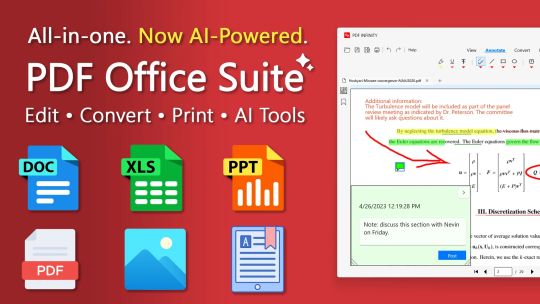
Edit, convert, and manage PDF, Word, and Excel documents with PDF Infinity—now with optional AI assistance for summaries, outlines, and plain-language explanations powered by advanced ChatGPT/generative-AI models. The app also includes a PowerPoint viewer, eBook reader, and image viewer—streamlining everyday document work in one place.
[Product License]
The app includes a free trial, with upgrade options to Premium (PDF & Docs) or Platinum (Premium plus AI).
• Free Trial (3 days): View all supported formats and explore core tools. After the trial, viewing common formats stays free; advanced tools require an upgrade.
• Premium — for everyday PDF & Docs needs: Unlock all non-AI features: edit, annotate, merge/split, convert, create/fill forms, sign, and print/export.
• Platinum — Everything + AI: Includes everything in Premium plus AI, powered by the most advanced ChatGPT model. Because AI uses ongoing compute, Platinum is offered as a subscription.
• AI Trial for Premium users (30 or 7 days): Try PDF Infinity AI—Smart Summary, Outline Builder, Find & Explain, and Ask Anything—with clear page references. When the AI trial ends, AI access requires Platinum.
[Key Modules]
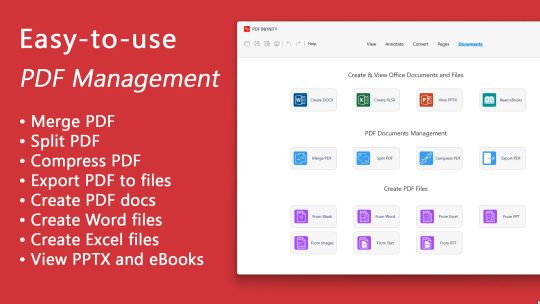
• PDF editor & management: View, annotate, convert, split, merge, compress, and reorder PDFs.
• Office editors: Create and edit Microsoft Word (.docx, .doc) and Excel (.xlsx, .xls) files.
• PowerPoint viewer: Open .pptx presentations.
• eBook reader: Read .epub, .mobi, and non-DRM Kindle (.azw, .azw3) formats.
• Image viewer: Browse common image formats.
• AI panel (Platinum): Generative-AI features—summaries, document outlines, Q&A, and page-referenced explanations.
[Key Features]
• Edit and view Office files: Work with Word and Excel; view PowerPoint.
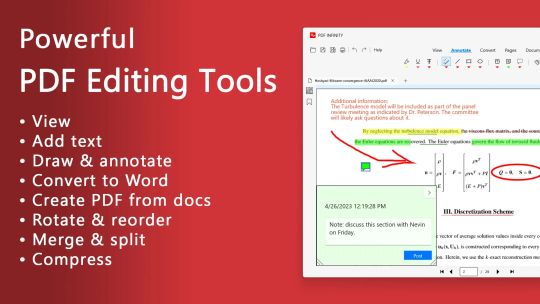
• Edit PDFs: Annotate, highlight, underline, insert text/images, and comment.
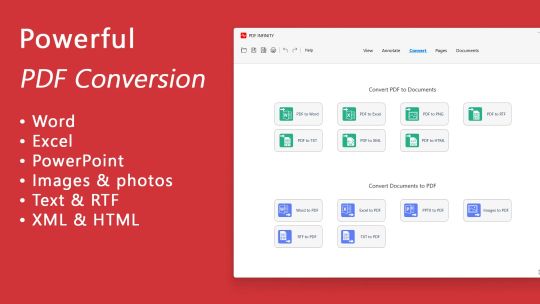
• Convert PDFs: Export to Word, Excel, PNG, RTF, TXT, XML, and HTML; create PDFs from Office and image formats.
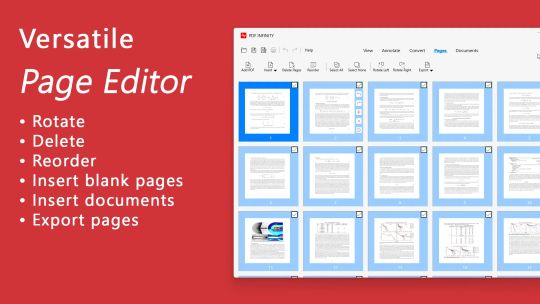
• Manage PDFs: Merge, split, compress, reorder, and rotate pages; fill and sign forms; print/export.
• OCR: Extract text from scanned PDFs.
• AI (Platinum):
– Smart Summary — Get key takeaways, instantly.
– Outline Builder — Build an outline with headings, subheads, and bookmarks.
– Find & Explain — Locate exact passages with page references and a clear explanation.
– Ask Anything — Ask natural-language questions and receive concise, cited answers (page references only).
[Feature Highlights]
• Edit Word and Excel; view PowerPoint.
• Read eBooks; view images and photos.
• Open multiple PDFs; fast zoom and navigation.
• Annotate with highlights, text, and shapes.
• Merge, split, and compress PDFs.
• Convert PDFs to Word, Excel, PNG, RTF, TXT, XML; create PDFs from Office and image formats.
• OCR text extraction from scans.
• Reorder and rotate pages.
• AI add-on (Platinum): summaries, outlines, Q&A, and page-referenced explanations, powered by advanced ChatGPT/generative-AI.
• Clean, user-friendly interface built for everyday document tasks.