Just Updated
We've just updated Driver Fusion! You can find more information about this update in the announcements. You can also follow Driver Fusion on Steam to get notified of updates.
About the Software
THE BEST SOFTWARE TO UPDATE, BACKUP, CLEAN AND MONITOR THE DRIVERS AND DEVICES OF YOUR PC
You can download the demo for free and use some of the following features.
FEATURES
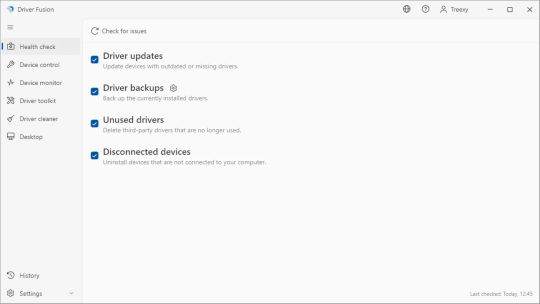
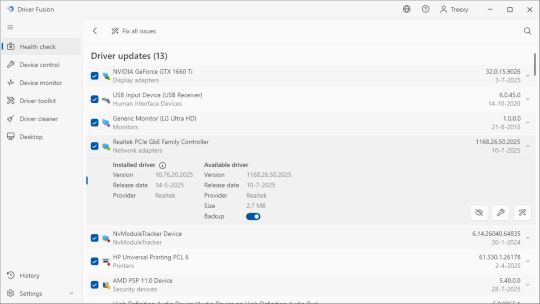
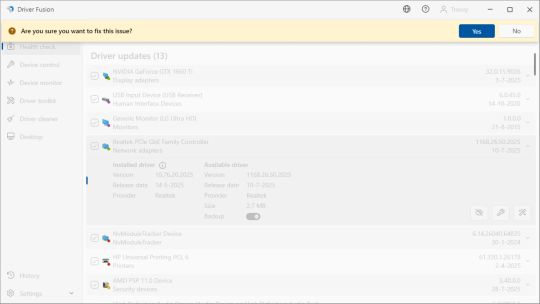
• Health check
Automatically update drivers, delete unused drivers, back up drivers, and uninstall disconnected devices to keep your PC reliable, secure, and up to date.
• Scheduler
Regularly check your PC for driver and device issues and get notified when problems on your computer need to be fixed.
• Driver update
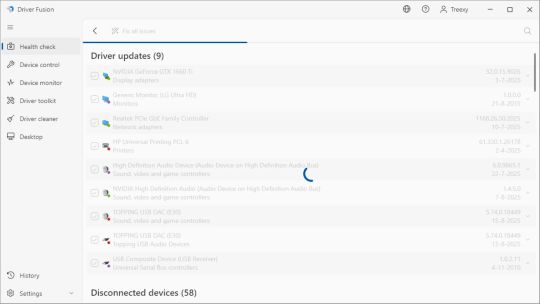
Update your drivers from our database of over 35 million drivers and access all available driver versions for your device.
• Driver cleaner
Clean software and driver entries of a device to prevent and fix boot issues, stability problems, and reduced performance.
• Device control
Manage devices and drivers on your PC and easily fix errors with detailed information and a wide range of features.
• Driver migration
Export drivers for a Windows reinstall or to use on another PC, including those without internet, and install them effortlessly.
• Device monitor
Monitor the performance of your devices in real-time, including their temperature, usage, and speed. Keep track of your processor, graphics card, hard drive, and more.
• Device identifier
Identify the type, name, and manufacturer of known and unknown devices from our database of over 6 million devices.
• Driver store
Install and uninstall drivers from the Windows Driver Store, a secure location where drivers are stored for installation.
• System report
Create a detailed report on every driver and device on your PC, including a summary of your computer's essential components.
• Advanced protection
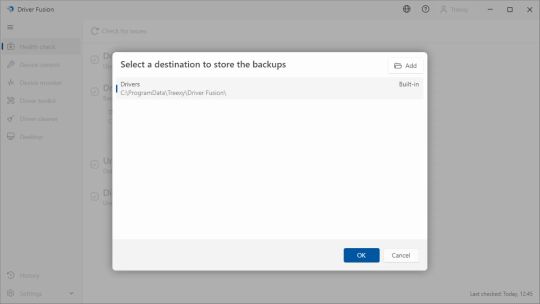
Protect your PC by automatically backing up your system files, settings, and desktop before any changes are made to your computer.
• Desktop
Back up your desktop icon positions and screen resolution to preserve your desktop layout.
• Universal compatibility
All drivers and devices on your PC are fully supported, regardless of the manufacturer.
• Priority support
Clear and comprehensive support is available whenever you need help.