
- PlatformsSteam
- Age+
- CategoryAudio Production
- PriceFree
You may also like:
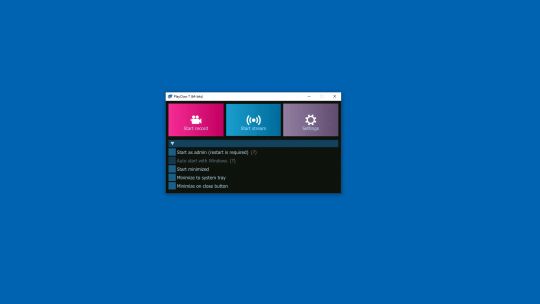
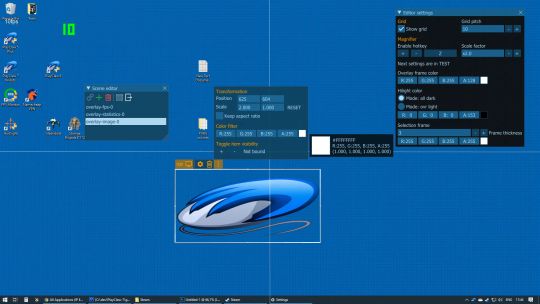

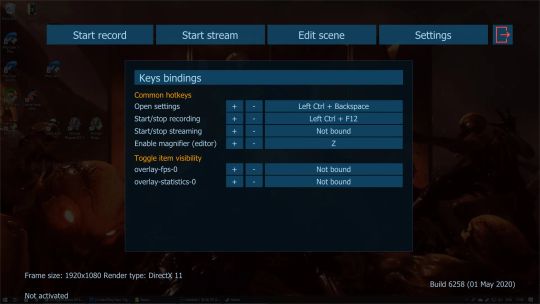
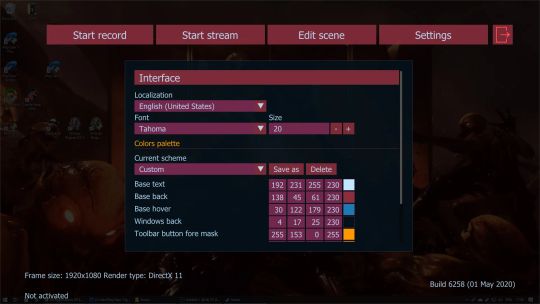
PlayClaw 7 gives your cool in-game overlays and provides smooth game video recording and streaming.
You can record and stream your gameplay, Windows desktop, web videos. PlayClaw will help you with its great in-game overlays, streaming and recording widgets. You can track your hardware real time information on a game screen without second display. You can configure every piece of the software right in a game without annoying alt-tab switches!PlayClaw 7 features
• Smooth game capture up to 200fps
• In-game scene editor and software configuration
• Native capture available for DirectX 9, 10, 11, 12, OpenGL and Vulkan
• Overlays available: FPS, Webcam, Capture statistics, Timers, Clock, Stopwatch, Teamspeak 3, Window capture, Web browser (streaming alerts)
• H.264 encoding with hardware acceleration (Intel QuickSync, NVidia Encoder, AMD AMF encoder)
• Streaming to YouTube, Twitch and other RTMP services
• Cool Time-Shift recording feature
• Fast Windows desktop capture mode
• H.264 software encoder is available
• Up to 16 audio sources
• Realtime audio preprocessing engine
• Adjustable video recording frame rate and size
• Compatible with PunkBuster, Valve Anti Cheat, EasyAntiCheat and BattlEye
Planned features
• Various overlays like System information and much more
• Overlays effects like Chroma key, Color key, scroll, etc.
• Multiple display support
• Capture screenshots