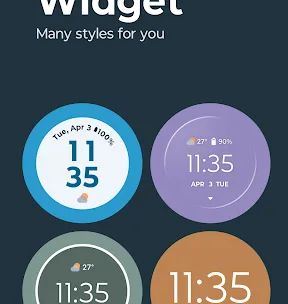
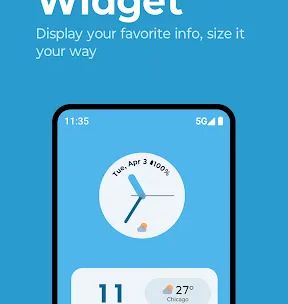
🧩 5 widget styles. Endless personalization.
• Adapt–Our most customizable widget. Choose between layouts and pick what info to show: clock, dual time, weather, battery, AQI, steps, and alarm.
• Clean–A modern, minimal widget with fresh updates. Choose weather animations and customize visual elements.
• Beyond–A circular, animated widget with multiple swipeable views like time, weather, steps, and battery.
• Classic–A nostalgic, minimalist widget with time, date, weather, and a battery ring—for fans of the original Moto look.
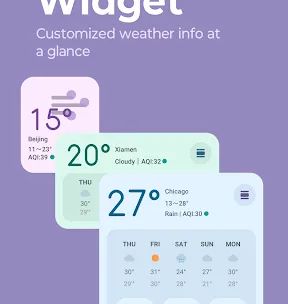
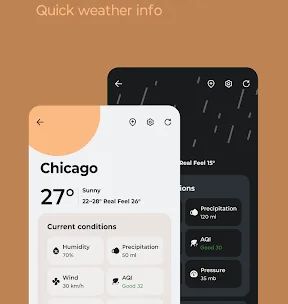
• Weather–A full-featured, weather-only widget showing current conditions and forecasts. Choose between hourly or 5-day views with a simple tap.
🌤 Weather, done right
Get detailed forecasts, UV index, allergy outlooks, and radar—right at your fingertips.
🔔 Smart weather notifications
• Daily weather forecast
• Tomorrow’s forecast
• Weekly outlook
• Severe weather alerts
📲 Add a widget to your home screen
Long-press on a blank space.
Tap Widgets.
Scroll to Moto Widget.
Drag and drop your favorite layout.
Make your home screen work harder–and look better—with Moto Widget.